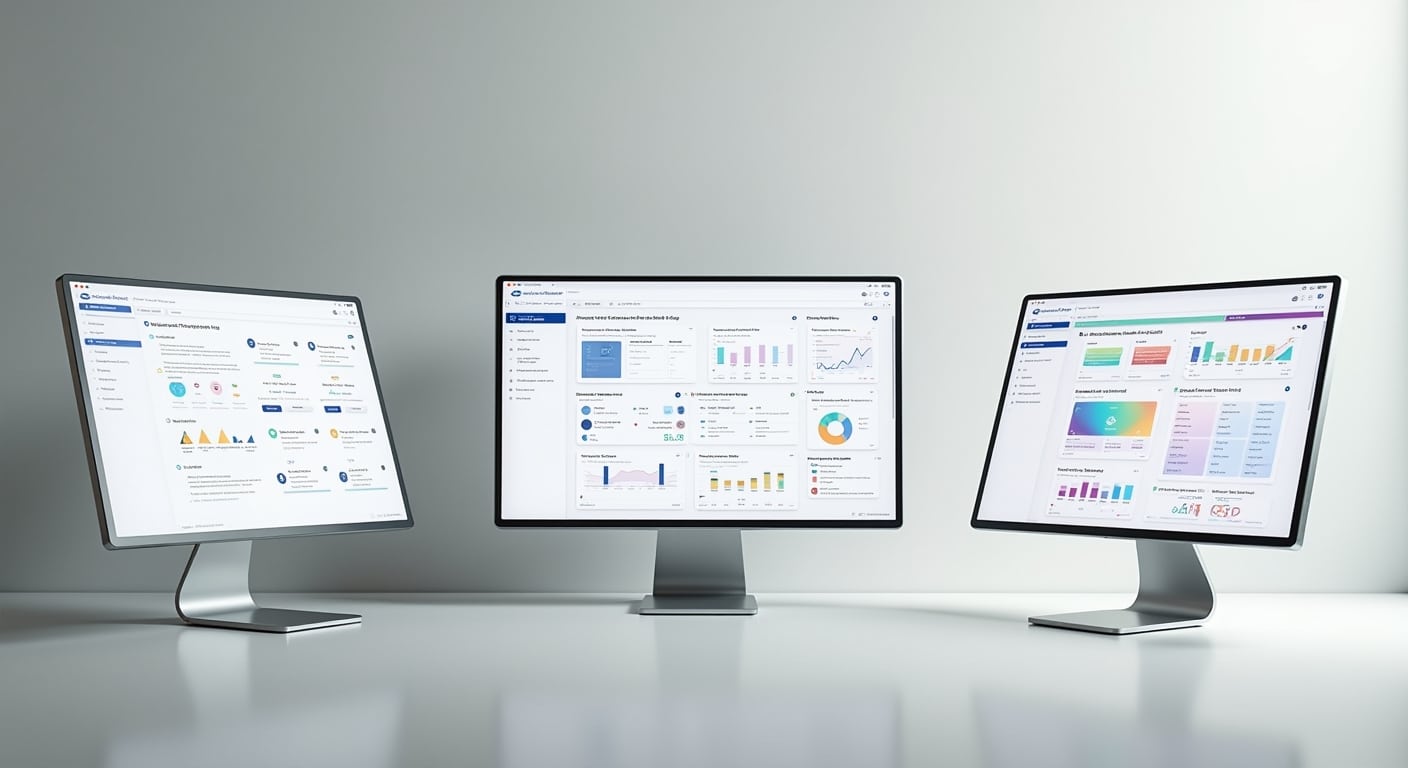

Trello, Asana and ClickUp can all work for small teams, but they fit different stages of growth. Trello is usually the easiest for simple visual task tracking, Asana is often the safest choice for structured team coordination and reporting, and ClickUp suits teams that want deeper customization and are willing to manage a steeper setup curve. If you are narrowing the choice between two tools first, this Trello vs Asana comparison is a useful companion.
For most small teams, the right choice comes down to three things: how complex your workflows are today, how much reporting your managers need, and how much admin effort your team can realistically handle as it grows.
| Platform | Best for | Key strength | Main limitation | Typical fit |
|---|---|---|---|---|
| Trello | Simple project tracking | Fast visual setup with kanban boards | Can feel limited for advanced reporting and process control | Very small teams with lightweight workflows |
| Asana | Structured collaboration | Balanced task management, visibility and reporting | Higher-tier features matter sooner for growing teams | Small teams building repeatable processes |
| ClickUp | Custom all-in-one workflows | Deep flexibility across views, fields and automations | Steeper learning curve and more setup overhead | Teams expecting complexity and scale |
Concise answer: In a trello vs asana vs clickup decision, Trello is best for simplicity, Asana is best for balanced growth and reporting, and ClickUp is best for teams that need customization across many workflows. Small teams should choose based on reporting needs, workflow complexity and the amount of setup they can maintain.
Trello vs Asana vs ClickUp at a Glance
Quick comparison table for features, pricing and ideal team fit
| Category | Trello | Asana | ClickUp |
|---|---|---|---|
| Core style | Board-first task management | Structured work management | Highly customizable project management platform |
| Best view | Kanban boards | List, board and timeline coordination | List view plus broad multi-view flexibility |
| Reporting dashboards | More limited out of the box | Strong manager-friendly visibility | Strong, especially for customizable tracking |
| Task dependencies | Available but not the core strength | Well suited to process-driven work | Strong for detailed projects |
| Workload management | Less central | Useful for growing teams | Useful but may require more setup |
| Automation rules | Easy to start with Butler | Helpful for routine workflows | Powerful across complex use cases |
| Ease of adoption | Fastest | Moderate | Hardest of the three |
| Scalability | Good to a point | Strong for structured growth | Strong if your team can manage complexity |
| Pricing source | Trello Pricing | Asana Pricing | ClickUp Pricing |
Which tool is easiest to recommend for simple, growing and complex workflows
If your team mainly needs a shared to-do system with clear card movement, Trello is the easiest recommendation. It is intuitive, visual and quick to adopt.
If your team already has recurring work across departments, deadlines, approvals and owners, Asana is usually the safer choice. It adds more structure without becoming overwhelming for most non-technical teams.
If your team wants one tool to cover project tracking, documentation, custom statuses, dashboards and layered workflows, ClickUp can be the strongest long-term option. The trade-off is that someone needs to define and maintain that system.
How Trello, Asana and ClickUp Differ for Small Teams
Trello for simple visual task tracking
Trello is built around boards, lists and cards. That makes it excellent for teams that think visually and want very little training. A marketing team can create lists for ideas, in progress, review and done, then move tasks across the board as work progresses.
The reason Trello works so well at the start is that it reduces friction. People understand it quickly. The drawback is that simple systems can become stretched when your team starts needing approval chains, workload planning, more detailed reporting dashboards or cross-project project tracking.
Asana for structured team coordination
Asana sits in the middle. It is more structured than Trello but usually easier to operationalize than ClickUp. Teams can manage work in list view, board view, calendar view and timeline view, which helps different roles see the same work in the format they prefer.
That balance matters for small teams. Managers often need better oversight than staff need. Asana does a good job of giving leadership reporting and dependency visibility without forcing every user into a highly customized system.
ClickUp for all-in-one customization and scale
ClickUp is the most ambitious of the three. It aims to be an all-in-one productivity software solution, not just a task board. That gives growing teams more room to build custom fields, statuses, dashboards, templates and automations around their exact workflows.
The upside is flexibility. The downside is complexity. Small teams that do not assign ownership to setup and governance can end up with too many views, inconsistent workflows and lower adoption than expected.
Task Management and Workflow Flexibility
Boards, lists, calendars and timeline views
All three tools support multiple ways to see work, but not equally well.
Trello still feels most natural in kanban boards. That is ideal for lightweight workflows, content pipelines and simple project stages. If your team wants to start in minutes, Trello has a clear advantage.
Asana handles visual boards well, but it is also strong in list view and timeline view. That makes it better when one team member wants a board while a manager wants a schedule-oriented view of deliverables.
ClickUp offers broad view options too, often with more customization. That is useful when different teams such as operations, marketing and product all need different structures in the same platform.
Recurring tasks, dependencies and custom fields
This is where the gap widens.
Trello can support recurring work and custom fields, but its strength is still simpler task management. It works best when tasks move forward in a straightforward way and dependencies are not the center of the workflow.
Asana is stronger for recurring processes, task dependencies and team coordination. For example, if a task cannot start until legal review is complete, Asana makes that relationship clearer and easier to manage.
ClickUp is highly capable here. Teams that need custom fields for client type, project value, stage, owner or priority can shape a more tailored system. That matters when a small business wants to standardize work across multiple service lines.
Ease of setting up workflows without admin overhead
Trello wins on simplicity. Asana is the best balance. ClickUp requires more thought.
This matters because small teams rarely have a full-time systems administrator. A tool is not just about features. It is about how much time people spend maintaining it. In practice, many small teams get more value from a slightly less powerful tool that everyone uses consistently than from a powerful tool that only one person understands.
Collaboration Features for Small Team Use
Comments, mentions and file sharing
All three platforms cover the basics of team collaboration including comments, mentions and attachments. For most small teams, none of these tools will fail on basic communication.
The difference is context. Trello keeps conversations close to the card, which is simple and effective. Asana tends to feel more structured when discussions are tied to goals, status updates and task ownership. ClickUp can centralize more work context inside the same system, which reduces switching if your team also uses docs or embedded references.
Roles, permissions and visibility controls
As teams grow, not everyone should see or change everything. Trello is often enough for small internal teams with straightforward access needs. Asana and ClickUp generally make more sense when teams need stronger permissions, cross-functional visibility control or more nuanced access structures.
This becomes important when client-facing work, finance-adjacent projects or leadership planning happens in the same tool.
Cross-functional collaboration as the team grows
Growth creates coordination problems. A team of four can manage with lightweight communication. A team of twelve spread across sales, marketing and operations usually cannot.
Asana tends to handle this transition better than Trello because it makes ownership, dependencies and progress visibility clearer. ClickUp can also support it well, especially if your business wants unified workflows across departments, but success depends more on good setup and standards. That same operational maturity is often part of when a small business should move beyond spreadsheets.
Reporting and Progress Tracking
Built-in dashboards and status reporting
For managers, reporting is often the deciding factor in an asana vs clickup for task management or trello asana clickup comparison.
Trello can provide visibility, but it is not usually the first choice when leadership wants richer built-in dashboards and more formalized status tracking.
Asana is generally easier for managers who want reporting without major customization. You can quickly understand what is on track, blocked or delayed.
ClickUp offers strong dashboard flexibility and can be excellent for teams that want highly specific reporting dashboards. The question is whether your small team needs that level of control or just clearer answers faster.
Workload, milestones and project visibility
Asana and ClickUp are stronger than Trello for milestone planning, workload management and broad project visibility. That matters when the same people are assigned across many projects and managers need to prevent overload.
Trello can still work for small, self-managing teams. But once resource balancing becomes important, its simplicity may start to feel like a limitation rather than a benefit.
Which platform gives managers better oversight
For most small teams, Asana gives managers the best mix of clear oversight and reasonable ease of use. ClickUp can surpass it for teams that need deeper customization. Trello is best when oversight needs are lighter and speed matters more than reporting depth.
Growth and Scalability for Expanding Teams
When Trello starts to feel limited
Trello often starts to feel limited when teams need more than visual tracking. Common signs include managing multiple related projects, needing standardized templates across departments, requiring stronger reporting dashboards, or coordinating task dependencies across a timeline.
At that point, the issue is not that Trello is bad. It is that the business has outgrown a lightweight workflow model.
When Asana becomes the better fit for process maturity
Asana becomes the better fit when a small team is building repeatable operating processes. That includes campaign launches, client onboarding, internal approvals and recurring cross-team work.
It supports growing structure without making the platform feel too technical. That is why many teams see it as the best project management tool for small teams that need to mature their operations gradually.
When ClickUp makes sense despite a steeper learning curve
ClickUp makes sense when a team actively wants to design a system instead of just adopting one. If you need one platform for project tracking, custom workflows, time tracking, detailed permissions and broad configurations, ClickUp can justify its learning curve.
It is especially appealing when the business expects fast team scaling and wants to avoid switching tools again later.
Pricing and Total Cost for Small Teams
Free plan differences and practical limitations
The practical question is not which platform has a free plan. It is whether the free plan supports your actual workflow without creating bottlenecks.
Trello’s free entry point is attractive for very small teams that mainly need boards and card-based tracking.
Asana’s free option can work for basic team coordination, but reporting and more advanced workflow needs often push growing teams upward sooner.
ClickUp’s free plan is feature-rich on paper, but teams should evaluate whether usage limits, setup complexity and workflow consistency reduce the value in practice.
Because limits and plan packaging change, check the official sources for current details: Trello Pricing, Asana Pricing and ClickUp Pricing.
Paid plan value by team size and feature needs
In a clickup vs asana vs trello pricing comparison, value depends less on sticker price and more on how quickly each tool helps your team deliver work cleanly.
Trello often offers the best value for small teams with simple needs because there is less overhead.
Asana often delivers better value for growing teams that need visibility, repeatable workflows and management reporting.
ClickUp can offer strong value for feature-heavy needs, especially if it helps you avoid buying extra tools. But if your team only uses a fraction of its capabilities, that value case weakens.
Hidden cost factors such as onboarding, add-ons and admin time
The hidden costs are usually bigger than teams expect. Consider:
- Onboarding time for new users
- Manager effort to maintain standards
- Process redesign during implementation
- Extra integrations or automation tools
- Lost time from poor adoption
This is where Trello often remains affordable operationally, Asana remains efficient organizationally, and ClickUp can become either highly cost-effective or unnecessarily heavy depending on team discipline. If automation depth is part of your decision, compare broader automation options for small business workflows.
Ease of Use and Learning Curve
Fastest tool to adopt for non-technical teams
Trello is the fastest to adopt. If your team dislikes software complexity, that matters. A simple system used every day is often better than a sophisticated platform people avoid.
Asana is still approachable for non-technical teams, especially once a few common templates and views are set up. It usually offers a better long-term balance between usability and structure.
Which platform needs more setup to deliver value
ClickUp needs the most setup to deliver its full value. That is not automatically a problem. It only becomes a problem when a small team expects plug-and-play simplicity.
If your organization prefers standardized software with minimal configuration, Asana will usually feel more manageable. If your broader software strategy also involves evaluating SaaS deployment choices, this guide to cloud software vs on-premise software for SMEs may help frame that decision.
Integrations and Automation
Common integrations for small business workflows
All three tools integrate with common business apps, but the practical difference is how well those integrations fit your daily process.
For a small business, useful integrations often include email, file storage, chat, calendar, CRM and forms. If your team also reviews adjacent operational systems, a HubSpot vs Zoho CRM comparison can help when project workflows connect tightly to sales processes.
Automation options for recurring work and approvals
Trello’s automation rules are approachable and useful for repetitive movement and notifications. Asana offers strong automation for recurring internal processes and approvals. ClickUp can automate more complex workflow behavior, especially when custom statuses and fields drive actions.
For a small team, the best automation is not the most advanced. It is the one people trust and understand.
Pros and Cons of Each Platform
Trello pros and cons
| Pros | Cons |
|---|---|
| Very easy to learn and use | Less suited to advanced reporting |
| Excellent visual kanban boards | Can feel narrow for complex workflows |
| Low admin overhead | Weaker fit for growing process maturity |
| Good for simple team collaboration | Less robust for workload management and coordination at scale |
Asana pros and cons
| Pros | Cons |
|---|---|
| Strong balance of usability and structure | Some advanced value sits in higher plans |
| Good visibility for managers | Can feel more process-driven than ultra-simple teams want |
| Supports dependencies and timelines well | May require disciplined setup as the workspace expands |
| Well suited to growing teams | Not as customizable as ClickUp for highly specific systems |
ClickUp pros and cons
| Pros | Cons |
|---|---|
| Highly customizable across workflows | Steeper learning curve |
| Strong reporting dashboards and views | Higher setup and governance demands |
| Good potential for scaling across teams | Can overwhelm small teams with simple needs |
| Broad feature depth including time tracking and templates | Inconsistent use can reduce the benefits quickly |
Which Tool Is Best for Different Small Team Scenarios
Best for very small teams with simple projects
Choose Trello if your team is small, your workflows are straightforward and you want the least friction. It is a strong pick for content planning, internal task tracking and lightweight operations.
Best for growing teams that need better reporting
Choose Asana if your team is adding process, accountability and manager oversight. It is often the most reliable answer for project management software for growing teams that need clearer ownership without a heavy system build.
Best for teams that want one platform for multiple workflows
Choose ClickUp if your team wants broader operational consolidation and has the appetite to design the system properly. It is the best fit when long-term flexibility matters more than short-term simplicity.
Final Verdict: Trello vs Asana vs ClickUp for Small Teams
For most small teams, Asana is the most balanced choice because it combines solid task management, useful reporting and manageable complexity. Trello is the best option for teams that want speed and simplicity above everything else. ClickUp is the best fit for teams that need deeper customization and expect more operational complexity over time.
If you are still unsure, use this rule of thumb:
- Choose Trello for simple visual workflows.
- Choose Asana for structured growth and clearer reporting.
- Choose ClickUp for maximum flexibility and multi-workflow scale.
The best tool is the one your team will actually use consistently as work becomes more complex.
FAQ
Is Trello, Asana or ClickUp better for a small team?
Trello is better for simple visual task tracking, Asana is better for balanced growth and reporting, and ClickUp is better for teams that need customization. For most small teams, Asana is the safest middle-ground choice.
Which tool has the best reporting for managers?
Asana usually gives managers the best oversight with less setup. ClickUp can be stronger for custom dashboards, but it often needs more configuration. Trello is usually the weakest of the three for built-in management reporting.
What are the main differences between Trello, Asana and ClickUp?
Trello focuses on simple board-based task tracking, Asana emphasizes structured coordination and visibility, and ClickUp offers deeper customization across workflows, views and reporting.
Is ClickUp too complex for a small team?
It can be if the team wants something quick and simple. ClickUp works best when a small team expects more complex workflows and is willing to invest time in setup, standards and training.
Can Trello scale as a team grows?
Yes, but only to a point. Trello can scale for moderately growing teams, especially visual workflows, but it may feel limited once reporting, dependencies and cross-functional coordination become more important.
Which platform offers the best free plan for small teams?
That depends on needs. Trello is strong for simple board-based work, ClickUp often looks generous for features, and Asana works well for basic coordination. The best free plan is the one that supports your real workflow without pushing upgrades too early.
How should a small team choose between Asana and ClickUp?
Choose Asana if you want structure, easier adoption and strong reporting with less admin. Choose ClickUp if you want more customization, more workflow depth and are comfortable with a steeper learning curve.