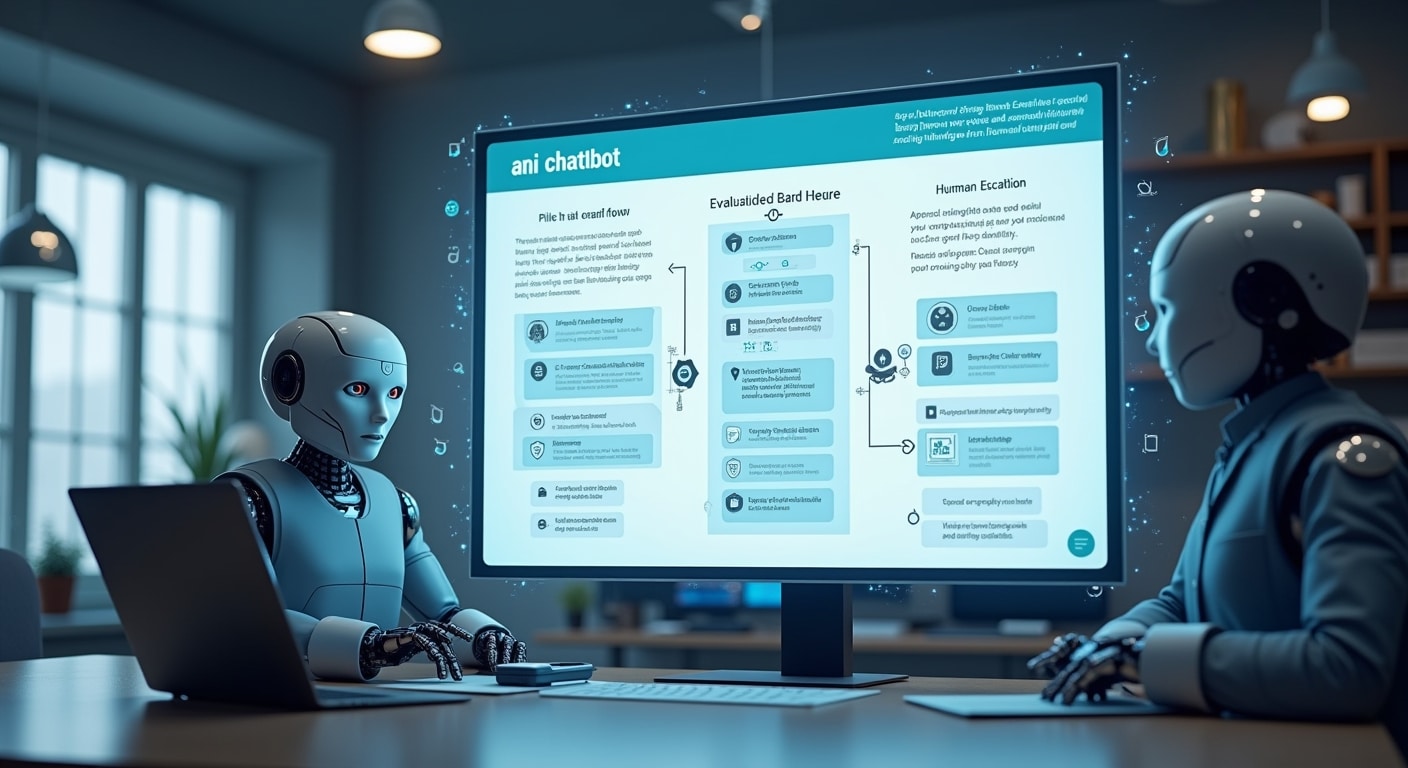

An effective ai chatbot implementation checklist helps SMEs launch with less risk, better answers and clear human backup. The safest approach is to start with one narrow use case, set measurable goals, lock down data access, test handoff workflows and review pilot results before expanding. If you are still comparing tools, start with this guide to AI chatbots for small business.
Use a small pilot first: define one use case, limit channels, set success metrics, review security controls, build human escalation, test edge cases, train staff, monitor results and decide whether to scale, fix or stop.
- Define one business goal and one pilot use case.
- Choose a limited team, channel and rollout scope.
- Set success metrics before launch.
- Review knowledge sources and system access needs.
- Evaluate vendors based on your actual workflow.
- Complete security, privacy and compliance checks.
- Design human handoff and fallback responses.
- Test normal, failed and sensitive conversations.
- Launch the pilot and monitor quality closely.
- Use results to scale, retrain or stop.
Many SMEs rush into chatbot deployment because the tools look easy to set up. The real challenge is not installation. It is choosing the right use case, protecting customer data and making sure a human can step in when automation should stop. If you need help narrowing the initial opportunity, see how businesses can use AI chatbots.
AI Chatbot Implementation Checklist for SMEs
This checklist is built for teams that want practical control over a pilot rollout. It focuses on evaluation, security and human escalation because those three areas usually determine whether a chatbot helps operations or creates extra support work.
Define the business goal and primary use case
Start with one clear problem. Good pilot goals include reducing repetitive support questions, answering after-hours enquiries or routing common requests faster. Weak goals sound like “we want to use AI” because they do not define what success looks like.
A useful rule is to pick a use case with high volume, low complexity and low risk. For example, answering shipping timelines, business hours, return policy questions or appointment FAQs is usually safer than handling billing disputes or complaints.
If you need ideas, review practical AI chatbot use cases for SMEs and choose one that matches your current support pattern.
Choose a pilot team, channel and limited scope
Do not launch across every channel at once. A better small business chatbot deployment checklist starts with one team and one channel, such as a website chat widget or a WhatsApp enquiry flow. Limiting scope makes quality control much easier.
Define what the chatbot will handle and what it will not handle. Example: the pilot may answer pre-sales FAQs on the website but not process refunds, not access account details and not give product recommendations beyond approved content.
This boundary matters because it reduces risk, shortens setup time and makes performance easier to measure.
Set success metrics before launch
Your chatbot pilot checklist should include measurable outcomes before anyone starts testing. Common metrics include:
- Containment rate: how many chats are resolved without a human
- Resolution time: whether answers are faster than the current process
- Customer satisfaction: whether users felt the answer was helpful
- Escalation quality: whether agents received enough context after handoff
- Missed intent rate: how often the chatbot failed to understand the request
Without these metrics, teams often judge the pilot based on impressions rather than evidence.
Check if Your SME Is Ready for an AI Chatbot
Review existing FAQs, support tickets and knowledge sources
Most chatbot failures start with weak source material rather than weak software. Before deployment, review your FAQs, email templates, help desk articles and saved replies. Remove outdated content, resolve contradictions and identify where answers are incomplete.
If the business cannot answer a question consistently today, the chatbot will not magically solve that problem tomorrow. It will simply automate inconsistency.
Identify systems the chatbot may need to access
List every system the chatbot may touch during the pilot: website CMS, help desk, CRM, order portal, calendar or internal knowledge base. Then ask whether access is actually necessary.
In many early pilots, direct system integration is optional. A chatbot can still succeed by answering approved FAQ content and escalating anything account-specific to human agents. That lowers implementation risk and shortens deployment time.
For support-heavy workflows, this guide on AI chatbots for customer support can help you think through agent workflows and channel fit.
Assign owners for content, approvals and monitoring
An ai chatbot checklist for small business should assign real ownership. At minimum, define:
- A business owner responsible for outcomes
- A content owner responsible for answers and updates
- A technical owner responsible for setup and integrations
- A reviewer responsible for quality, safety and escalation monitoring
When no one owns post-launch review, chatbot quality usually declines within weeks.
Evaluate the Right Chatbot for the Pilot
Match features to your use case instead of broad feature lists
Do not choose based on the longest feature page. Use ai chatbot evaluation criteria tied to your pilot. Ask simple questions:
- Can it answer from your approved knowledge base?
- Can it limit responses to trusted sources?
- Can it trigger human handoff easily?
- Can it log conversations for review?
- Can it support your target channel well?
A simple tool that handles one workflow reliably is often better than a powerful platform your team cannot govern properly.
Review integration needs for website, WhatsApp, CRM or help desk
Integration requirements should be based on what the pilot must do, not what the vendor can technically connect to. For example, a website chatbot rollout checklist may only require embed support, basic analytics and a handoff form. A customer service pilot may need ticket creation, agent takeover and transcript syncing.
Map the conversation flow first, then check whether integrations support that flow cleanly. This avoids paying for connections that add complexity without improving outcomes.
Check pricing, usage limits and vendor support
Before signing up, check message limits, seat limits, overage rules, setup charges and support coverage. Pilot costs can rise quickly if usage-based pricing is unclear. This is especially important for SMEs with uncertain chat volume. Use this guide to AI chatbot pricing for small businesses to compare cost considerations before rollout.
Also check what kind of onboarding or technical help the vendor provides. During a pilot, fast support matters more than advanced enterprise features you may never use.
Security Checklist Before Deployment
Decide what data the chatbot should never collect or expose
Your ai chatbot security checklist should begin with prohibited data. Make an explicit list of information the chatbot must not ask for, store or reveal. This may include payment card details, identity numbers, health information, confidential contracts or internal-only documents.
This step matters because a chatbot that accepts open-ended input can be pushed into risky areas unless boundaries are clear. Review the OWASP Top 10 for Large Language Model Applications for common application-level risks such as prompt injection and sensitive information disclosure.
Review access permissions, admin roles and account security
Give the chatbot and its administrators the least access necessary. Limit who can change prompts, upload knowledge, view transcripts or connect systems. Turn on strong authentication for admin accounts and remove access when staff roles change.
Many incidents happen because setup is treated as a marketing tool rollout rather than a system with customer data exposure risk.
Check data storage, retention and model training policies
Before deployment, confirm where chat data is stored, how long it is retained and whether user content may be used for model training. These terms differ by vendor and plan. Do not assume defaults are suitable for your industry.
Also ask whether sensitive transcripts can be deleted, exported or restricted. For governance planning, the NIST AI Risk Management Framework is a useful reference for risk, oversight and accountability.
Confirm compliance needs for customer and internal data
Your compliance requirements depend on location, industry and data type. An SME handling basic FAQ traffic has a different risk profile from a clinic, law firm or financial services business. If personal or regulated data is involved, involve the right internal lead or external adviser before launch.
Do not treat compliance as a final check box. It should shape scope, integrations and escalation design from the start.
Build Human Escalation Into the Workflow
Define when the chatbot must hand off to a human
A strong human handoff chatbot checklist defines mandatory escalation triggers. Common triggers include:
- Low confidence or unclear intent
- Requests involving complaints, refunds or billing disputes
- Sensitive personal data questions
- Repeated failed attempts in the same session
- Requests outside approved knowledge
- High-emotion or urgent situations
This is essential because not every conversation should be automated, even if technically possible.
Create fallback responses for low-confidence answers
Fallback responses should be honest and useful. A good fallback does not pretend confidence. It explains the limit and gives a next step.
Example: “I’m not confident I understood that correctly. I can connect you with our team or help you choose from these common options.”
Reviewing safety controls from OpenAI Safety Best Practices can help teams design safer responses and moderation workflows.
Make escalation paths visible to customers and staff
If users cannot find a human option easily, frustration rises quickly. Show clear escalation options in the chat interface and make sure internal staff know how takeovers work. Include conversation history in the handoff so customers do not need to repeat everything.
Good escalation is not just transferring the chat. It is preserving context and reducing effort for both the customer and the agent.
Prepare the Pilot Experience
Write core intents, answers and conversation paths
Document the main intents the pilot should handle. For each one, define the trigger phrases, approved answer, follow-up prompts and handoff conditions. Keep conversation design simple at first. Short, direct answers usually perform better than long scripted replies.
A chatbot setup checklist for SMEs should also include approved wording for sensitive boundaries, such as when the bot cannot access account-specific details.
Test edge cases, sensitive queries and failed responses
Do not test only ideal conversations. Create testing scenarios for misspellings, vague questions, angry customers, policy exceptions and unsupported requests. Also test whether the chatbot avoids guessing when knowledge is incomplete.
This kind of testing is where many teams discover hallucinations, weak fallback responses or risky phrasing before customers do.
Train staff on review, takeover and feedback processes
Staff training is part of customer support chatbot implementation, not an optional extra. Agents should know:
- When to take over
- How to review transcript quality
- How to flag unsafe or wrong answers
- How to suggest content improvements
- How to identify recurring missed intents
If the team does not trust the process, they will work around it instead of improving it.
Launch the Pilot and Measure Results
Track containment, resolution time and customer satisfaction
During launch, review metrics weekly rather than waiting until the end. A pilot rollout should show whether the chatbot is actually reducing work or just shifting effort to agents later.
Containment alone is not enough. A chat can be “contained” but still leave the user dissatisfied. Pair automation metrics with quality signals.
Review security incidents, hallucinations and missed intents
Your website chatbot rollout checklist should include a structured review of risky outputs. Look for:
- Incorrect factual claims
- Answers that expose internal information
- Prompts that bypass intended rules
- Sensitive questions handled without escalation
- Repeated user queries the bot failed to recognise
This review tells you whether the problem is content quality, conversation design, access control or vendor limitations.
Collect agent feedback on handoff quality
Agent feedback often reveals issues that dashboards miss. Ask whether handoffs arrive with enough context, whether customers are already frustrated before transfer and whether the chatbot is escalating too late or too often.
If agents spend time correcting bad chatbot answers, the pilot may be increasing workload even if headline metrics look acceptable.
Decide Whether to Expand, Fix or Stop the Rollout
Signs the pilot is ready to scale
Scale carefully if the pilot shows consistent resolution quality, acceptable customer satisfaction, safe handling of sensitive topics and efficient human handoff. The next expansion should still be controlled, such as one new intent set or one new channel.
Do not jump from a narrow FAQ pilot to full account support in one step.
Signs the chatbot needs retraining or tighter controls
If the chatbot gives inconsistent answers, misunderstands common requests or struggles with low-risk queries, retraining may help. If it answers confidently outside approved boundaries, tighter guardrails and more restrictive access are usually the priority.
The right fix depends on the root cause. More data is not always the answer. Sometimes the issue is poor scope control.
When a human-first workflow is still the better option
Some SMEs should keep humans in front for now, especially if enquiries are low-volume, high-value, highly sensitive or too variable for consistent automation. A human-first workflow can still use AI behind the scenes for draft replies, suggested answers or internal search without exposing customers directly to the model.
Stopping or limiting a rollout is not failure. It is good governance when the use case is not yet suitable.
Common SME Mistakes to Avoid During Chatbot Implementation
Launching without a narrow pilot scope
A broad launch hides problems until they affect real customers at scale. A narrow pilot is easier to monitor, fix and evaluate.
Automating sensitive interactions too early
Complaints, payment issues, regulated advice and emotionally charged conversations usually need stricter control. Start with lower-risk paths first.
Ignoring escalation and ongoing review
A chatbot is not a one-time setup. Without post-launch monitoring, knowledge updates and transcript review, quality declines and risk grows.
Simple AI Chatbot Implementation Checklist to Copy
- Define one clear business goal.
- Choose one low-risk pilot use case.
- Limit rollout to one team and one channel.
- Set success metrics before launch.
- Audit FAQs, help content and ticket history.
- Identify required integrations only.
- Assign owners for content, approvals and monitoring.
- Evaluate vendors against the use case, not generic features.
- Review pricing, usage limits and support terms.
- List data the chatbot must never collect or expose.
- Apply least-privilege access and secure admin accounts.
- Check data retention, storage and model training policies.
- Confirm compliance requirements for customer data.
- Define mandatory human escalation triggers.
- Create fallback responses for low-confidence answers.
- Make human handoff visible and easy.
- Write core intents, answers and conversation paths.
- Test edge cases, failed responses and sensitive prompts.
- Train staff on takeover and feedback workflows.
- Monitor containment, resolution time and satisfaction.
- Review hallucinations, incidents and missed intents.
- Use results to scale, fix or stop the rollout.
Best Practices
- Keep the pilot focused on one measurable workflow.
- Use approved content instead of letting the chatbot improvise.
- Prefer guardrails and escalation over aggressive automation.
- Review transcripts regularly, especially in the first few weeks.
- Expand scope only after the current stage is stable.
FAQ
What should be included in an AI chatbot implementation checklist?
It should cover use case selection, pilot scope, success metrics, knowledge base readiness, integration requirements, vendor assessment, security controls, data privacy, compliance, human escalation, testing, staff training and post-launch monitoring.
How do SMEs choose the right use case for a chatbot pilot?
Choose a high-volume, low-complexity, low-risk task with clear answers, such as FAQs, lead qualification or basic support routing. Avoid sensitive or highly variable conversations in the first pilot.
What security checks should be done before launching an AI chatbot?
Define prohibited data, restrict access permissions, secure admin accounts, review storage and retention policies, confirm training policies, test for unsafe outputs and check compliance obligations for customer and internal data.
When should an AI chatbot escalate to a human agent?
It should escalate on low confidence, repeated failure, sensitive requests, complaints, billing disputes, urgent issues or any question outside approved knowledge and workflow boundaries.
How long should a small business chatbot pilot run?
Long enough to capture repeat patterns and operational feedback. For many SMEs, a few weeks is enough to evaluate common intents, handoff quality and safety issues, provided traffic volume is meaningful.
What metrics should SMEs track during chatbot implementation?
Track containment, resolution time, customer satisfaction, missed intents, handoff quality, hallucinations, security incidents and agent feedback on whether the chatbot reduces or adds work.
Can a small business launch an AI chatbot without CRM integration?
Yes. Many SMEs should start without CRM integration if the pilot only handles FAQs or simple routing. This lowers complexity and risk while proving value before deeper system access is added.
A careful ai chatbot implementation for SMEs starts small, protects data and treats human takeover as part of the design, not a backup plan. If the pilot cannot pass those basics, it is not ready to scale.